

Here’s the reality check: the average Shopify store converts at just 1.4%, according to data from Littledata. That means for every 100 who land on your store, 98 or 99 of them leave without buying anything. The top 10% of Shopify stores, however, hit conversion rates of 4.7% or higher - more than three times the average. That gap isn’t luck, and it usually isn’t better products either - it’s a sharper understanding of what happens after a visitor arrives.
That’s where conversion rate optimization comes in. CRO is the process of understanding why visitors aren’t buying and making targeted changes to fix it - whether that’s a confusing checkout flow, a product page that isn’t doing its job, or an exit moment that could have been a sale. The right tools make that process faster, clearer, and quite a bit less guessing-heavy.
I’ll break down the best CRO tools built for Shopify stores, covering everything from heatmaps and session recordings to A/B testing platforms and on-site personalization. If you’re ready to get more out of the traffic you’re already paying for, here’s where to start.
Key Takeaways
- Average Shopify stores convert at 1.4%, while top 10% achieve 4.7%+, a gap closed through CRO tools, not better products.
- Behavior tracking tools like heatmaps, session recordings, and funnel tracking reveal why visitors leave before purchasing.
- A/B testing requires sufficient traffic for reliable results; only test one element at a time to identify what drives change.
- Shop Pay can lift conversions up to 50% compared to guest checkout, making it the highest-priority checkout optimization.
- Cart abandonment recovery works best combining email flows, SMS messages, and exit-intent popups with personalized, timely messaging.
What CRO Actually Means for Shopify Store Owners
Conversion rate optimization is the process of getting more of your existing visitors to take action. You’re not spending more on ads or chasing new audiences - you’re working with the traffic you already have and making it go further.
For Shopify stores, that “action” isn’t always a completed purchase. There are two layers to remember here. Macro-conversions are the big wins - a customer finishes checkout and money hits your account. Micro-conversions are the smaller steps that lead there, like an email signup, an add-to-cart click, or a product page scroll that turns into a longer visit.
Both matter. A store that tracks only completed purchases misses helpful information about where visitors lose interest before they ever reach checkout.
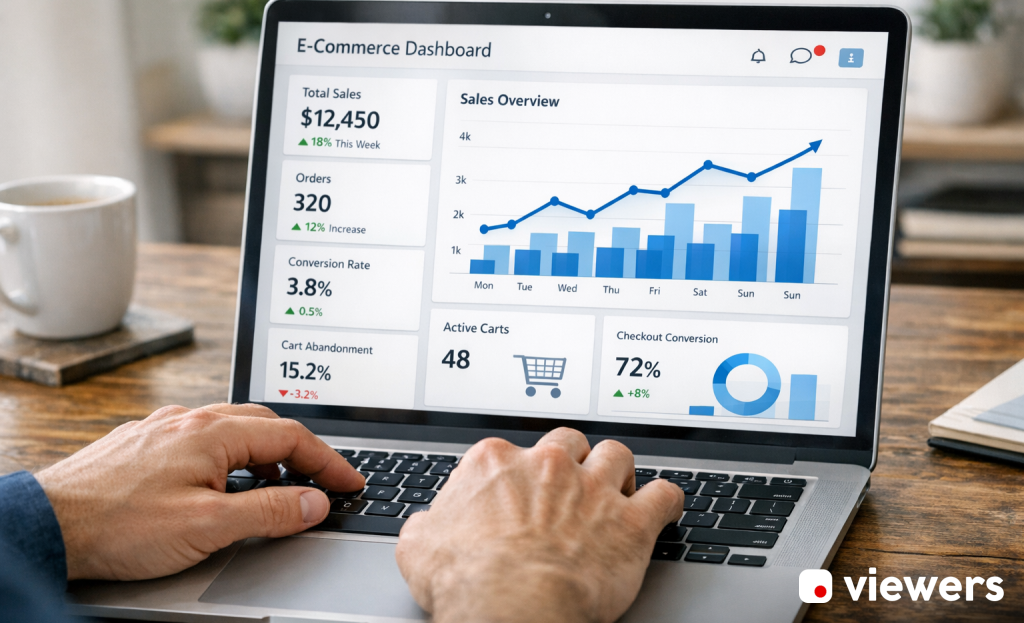
It also helps to know your baseline before you do anything else. Your conversion rate is the percentage of visitors who complete a goal - so if 200 out of 10,000 monthly visitors buy something, that’s a 2% conversion rate. A one-percentage-point improvement on that same traffic volume means 100 extra sales per month; it’s actual revenue without spending another cent on acquisition.
Small gains on a mid-sized store can outperform a large ad budget increase, and that’s also the case when your cost-per-click is already high.
CRO is also a standard process of testing, learning, and making small adjustments based on data from your store. What works for a fashion brand won’t automatically work for a supplement store, so the goal is to know your visitors and remove whatever is stopping them from buying.
I’ll break down the tools that make this process helpful - starting with analytics and behavior tracking.
Analytics and Behavior Tracking Tools That Show You What’s Broken
Before you change anything in your store, you’ll have to know what’s actually happening inside it. The average cart abandonment rate sits at around 70%, which means most people who add something to their cart leave without buying. If you don’t have data, you’re left to guess why.
Behavior tracking tools give you a way to look at your visitors without interrupting them. The three most helpful features to look for are heatmaps, session recordings, and funnel tracking.
Heatmaps show you where visitors click, scroll, and spend the most time on a page - this helps you see if visitors are engaging with the parts of your page that matter - like your add-to-cart button - or distracted by things that don’t move them forward.
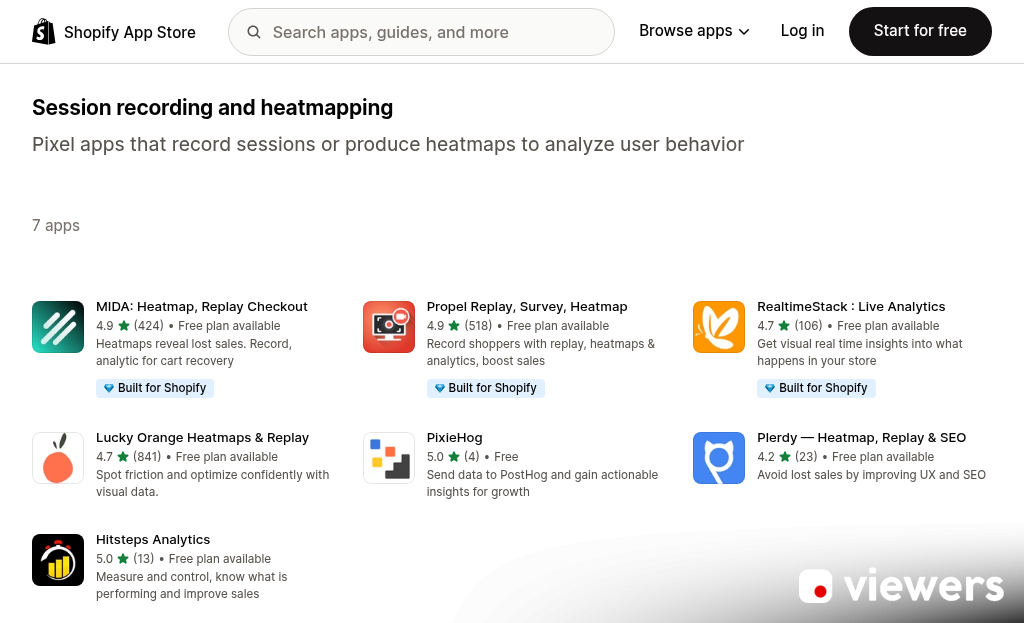
Session recordings let you watch actual visits play back like a video. You can see where a visitor hesitates, what they skip, and where they leave. A few dozen sessions can show friction points that no amount of gut instinct would surface.
Funnel tracking is where things get helpful for Shopify stores specifically. You can map out the path from product page to checkout and see where visitors drop off. If 60% of visitors leave at the shipping page, that’s a problem worth investigating before anything else.
When you review analytics tools for your store, look for native Shopify integration so setup doesn’t become a project in itself. You also want the ability to filter recordings by device type. Mobile and desktop behavior can vary quite a bit.
Popular tools in this space include Hotjar, Microsoft Clarity, and Lucky Orange - each with slightly different strengths around recording depth and funnel visualization. The right one can depend on how much data you want to dig into. If you’re also evaluating notification bar tools, it’s worth checking out some of the best Hellobar alternatives to round out your conversion toolkit.
A/B Testing Tools That Help You Stop Guessing
Once you know where shoppers are dropping off, the next step is to test your way to a fix. A/B testing lets you run two versions of a page element at the same time to see which one actually performs better - it takes the opinion out of the equation.
The most important thing to know starting out is that you should only test one thing at a time. Changing your headline, button color, and product image layout all at once makes it impossible to know what moved the numbers. Pick one element and let the data do the talking.
Some elements are worth testing before others. Headlines and calls-to-action have an outsized impact because they directly shape the choice to click or buy. Product images and page layout are also strong starting points since shoppers are visual and respond fast to how a page feels.
Traffic volume is where Shopify store owners go wrong. Running a test on a page that gets 200 visitors a month will not give you results you can trust. You need enough traffic to reach statistical significance, which is a way of saying the result wasn’t an isolated thing.
That’s the part gut feelings can’t help you with. A version that looks better to you might perform worse with your audience. Tools like Google Optimize (now succeeded by alternatives like VWO or Optimizely) help you track this and tell you when a result is reliable enough to act on.
It’s worth a deeper look at published case studies from other ecommerce businesses. Small copy changes on a product page or a single button change have shifted conversion rates by real percentages in documented examples. The gains are sometimes smaller than expected, and sometimes much bigger. If you have questions about what testing approach fits your setup, reach out to the Viewers.com support team.
Personalization Tools That Make Shoppers Feel Seen
A/B testing helps you find the best version of something. Personalization goes a step further by serving different experiences to different shoppers based on who they are and what they do.
According to Segment’s 2024 State of Personalization report, 89% of ecommerce leaders say personalization matters to their business success. The same report found that 57% see AI-driven customer journeys as the biggest lever for growth in the near future; it’s a strong signal that generic, one-size-fits-all storefronts are losing ground.
The tools in this category work in a few ways. Product recommendation engines analyze browsing and purchase history to show shoppers items they’re likely to want next. Dynamic content tools swap out banners, headlines, or featured collections based on things like location, traffic source, or customer segment. Segmentation-based tools let you group your audience and customize messaging to each group separately.
Together, these tools can make a shopper feel like your store was built just for them - which tends to translate into longer sessions and more purchases.

That said, personalization has an actual failure mode worth learning about. If the recommendations feel random or the targeting feels intrusive, shoppers notice and pull back. Showing an ad for something they already bought, or surface-level “you might also like” suggestions that miss the mark, can do more harm than good.
The best personalization tools use behavioral data. They learn from what a shopper actually does on your site instead of making broad assumptions. Platforms like Klaviyo, LimeSpot, and Rebuy are popular Shopify-compatible options that each take slightly different approaches to segmentation and recommendations.
Personalization takes time to set up and smooth out, but the payoff in customer engagement is hard to match with any static strategy.
Checkout Optimization Tools That Seal the Deal
The checkout page is where buying decisions get made or abandoned. Every extra step, every second of hesitation, costs you a sale. Getting this part right is worth more than almost anything else you can do for your store.
Shop Pay is the most powerful tool in this space- it lifts conversions by as high as 50% compared to guest checkout and outperforms other accelerated checkout options by at least 10%. That gap exists because Shop Pay remembers customer details across Shopify stores, so returning users can buy in seconds. If you haven’t activated it yet, that’s the first thing to fix.
Beyond accelerated checkout, the way your checkout page is structured makes a real difference. Stikky, a Shopify-focused agency, documented a 15% conversion improvement after applying Shopify’s checkout sheet kit for a client. That lift came from reducing the number of steps a customer had to take and presenting the process in a cleaner, more familiar layout.
Trust badges are a small addition with a measurable effect. Displaying security legends, accepted payment logos, and money-back guarantees near the payment fields gives customers the reassurance they need to follow through. Shoppers who pause at checkout are usually looking for a reason to feel safe- not a reason to leave.
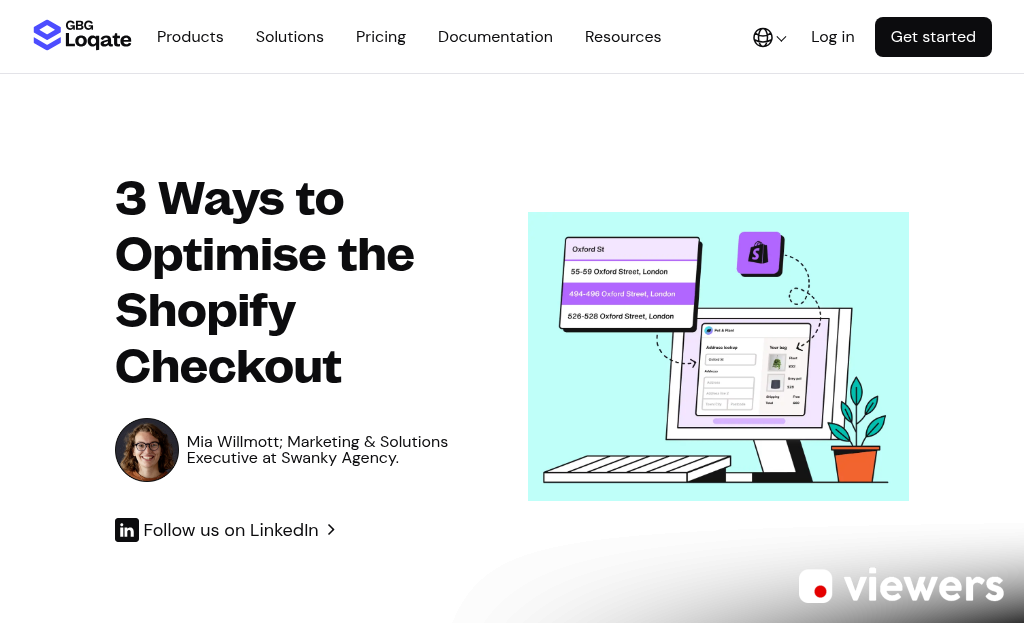
Progress indicators work along the same lines. When customers can see that they’re on step two of three, the finish line feels close and they are more likely to stay the course. Tools like Shopify’s native checkout editor let you add and arrange these elements without writing any code.
One-click checkout options like Shop Pay and PayPal Express also cut back on the cognitive load of typing in card details on a phone. Mobile shoppers convert at lower rates than desktop users, and streamlined input is one of the most direct ways to close that gap.
Cart Abandonment Recovery Tools That Win Back Lost Sales
Even after a smooth checkout experience, shoppers leave. Desktop abandonment rates sit around 73%, and mobile is even higher at roughly 85%; it’s a lot of revenue to leave on the table without a plan to recover it.
The most common recovery tools fall into three categories: email flows, SMS messages, and exit-intent popups, and each one works at a different stage of the abandonment window, so a combination tends to get better results than relying on just one.
Email and SMS Recovery Flows
Email is still the workhorse of cart recovery. A well-timed sequence - one message sent within an hour, a follow-up the next day, and a final push after three days - tends to do well without feeling like harassment. Klaviyo and Omnisend connect directly to Shopify and make it simple to build these flows with personalized product images and content.
SMS recovery works faster. People read texts within a few seconds, so a single well-written message sent an hour after abandonment can be enough to bring them back. Keep it short, link directly to the cart, and skip the aggressive discount unless you need it.
Exit-Intent Popups
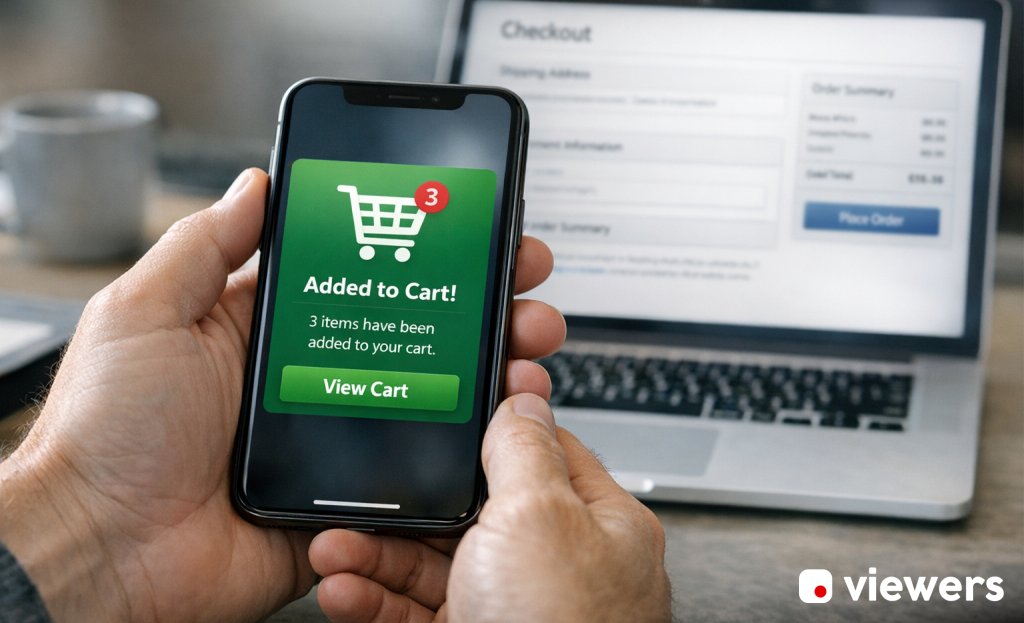
Exit-intent popups appear right as a visitor moves to close the tab or navigate away. Tools like OptiMonk and Privy let you trigger these moments with a targeted message. A small discount or a free shipping reminder can be enough to change a choice.
What Makes a Recovery Message Work
The difference between a message that converts and one that gets deleted is personalization and timing. Generic “you left something behind” messages perform poorly. Reference the product, use the customer’s name, and send the message while the buy is still fresh in their mind.
Incentives help, but they don’t need to be excessive. Free shipping can convert just as well as a percentage discount - and it protects your margins better.
How to Pick the Right CRO Tools Without Overcomplicating Things
More tools does not mean better results. Every app you install can add weight to your store, and that extra load time chips away at the conversions you’re trying to improve. There’s also the cost to remember - a stack of five or six subscriptions piles up fast without a single return.
The better move is to have one or two tools that match where your store is right now. A small store with low traffic doesn’t need an enterprise-level personalization engine. A high-traffic store leaving money on the table with a broken checkout flow has very different goals than one that’s never run a single A/B test.
Use the table below as a quick reference to match tool categories to your situation.
| Tool Category | Best For | Price Range | Shopify Compatibility |
|---|---|---|---|
| Heatmaps & Session Recording | Stores that want to understand visitor behavior | Free - $99/mo | Excellent |
| A/B Testing | Stores with enough traffic to get reliable data | $50 - $300/mo | Good (some limitations on checkout) |
| Popups & Lead Capture | Stores focused on list building and on-site offers | Free - $150/mo | Excellent |
| Cart Abandonment Recovery | Stores losing sales at the final stage | $20 - $200/mo | Excellent |
Once you pick your starting tools, give them enough time to collect actual data before you judge them. A few weeks of results will tell you far more than gut instinct alone. From there, you can layer in extra tools with a much clearer sense of what your store actually needs.
Think of this as a checkpoint instead of a final answer. Your store will grow, your traffic will change, and your tool stack should grow with it - slowly and deliberately.
Your Shopify Store’s Conversion Glow-Up Starts Here
The important thing is to start before you feel ready. You don’t need every tool at once. Pick one category that feels most relevant to where your store is - why visitors leave, testing a new checkout flow, or capturing emails before they bounce - and start there. One focused experiment will teach you more about your customers than months of guessing.

Every high-converting Shopify store started where you are. The difference is they started. Pick your first tool, run your first test, and let the data lead the way.
FAQs
What is the average Shopify store conversion rate?
The average Shopify store converts at just 1.4%, while the top 10% of stores achieve conversion rates of 4.7% or higher.
What does Shop Pay do for checkout conversions?
Shop Pay can lift conversions by up to 50% compared to guest checkout by remembering customer details across Shopify stores, allowing returning users to complete purchases in seconds.
How does A/B testing work for Shopify stores?
A/B testing runs two versions of a page element simultaneously to see which performs better. Only one element should be tested at a time, and sufficient traffic is needed for statistically reliable results.
What tools help recover abandoned carts?
Cart abandonment recovery works best by combining email flows, SMS messages, and exit-intent popups. Personalized, timely messages referencing the specific product tend to outperform generic reminders.
How many CRO tools does a Shopify store need?
More tools don’t mean better results. Start with one or two tools matched to your store’s current needs, since too many apps can slow your site and reduce the conversions you’re trying to improve.


