

Things got even murkier in September 2023 when Google shut down Google Optimize, the free A/B testing tool that a lot of small businesses had quietly come to depend on. Almost overnight, thousands of website owners were left without an answer they'd built their testing workflows around - and the scramble for a replacement exposed just how confusing the landscape of A/B testing software can be. Prices can vary wildly, feature sets overlap in strange ways, and far too many places are built with business teams in mind - not for running a lean operation between client calls and inventory checks.
Here's something worth knowing: the A/B testing software market has grown significantly in recent years, and small businesses actually make up the largest segment of users - this isn't a niche tool reserved for businesses with dedicated conversion rate optimization teams. Business owners - selling handmade goods, running local service businesses, or handling modest e-commerce shops - are using these tools to make better decisions about their websites without needing a data science degree to interpret the results.
This guide cuts through the noise. What follows is a helpful, honest look at the best A/B testing tools available for small businesses - with actual attention paid to pricing, ease of use, and whether a tool actually delivers value for working with a lean budget and limited time.
Key Takeaways
- Google shut down Google Optimize in September 2023, leaving small businesses without a free A/B testing tool and forcing them to find replacements.
- 43% of A/B testing tool users are small businesses, proving this isn't an enterprise-only practice requiring big budgets or dedicated teams.
- A visual no-code editor and statistical significance tracking are must-have features; heatmaps and personalization are considered nice-to-have extras.
- Most experts recommend at least 1,000 visitors per variation; low-traffic sites should test bigger changes to detect meaningful differences faster.
- Common mistakes include testing multiple elements simultaneously, ending tests too early, and ignoring differences between mobile and desktop results.
What A/B Testing Actually Does for a Small Business Website
A/B testing lets you show two versions of a page to different visitors at the same time to see which one performs better. Version A may have a green "Buy Now" button and version B has an orange one. The version that gets more clicks - or more purchases - wins; that's it.
Most small business owners make design and copy decisions based on instinct. You pick the headline that sounds right to you, place the button where it looks good, and hope for the best; it's an understandable way to work, but it means you're flying blind on decisions that directly affect your revenue.
A/B testing replaces that guessing with actual data from your visitors. You're not asking what a designer thinks or what worked for someone else's business - you're letting your own audience tell you what works for them.

This matters more for small businesses than you might think. According to G2, 43% of A/B testing tool users are small businesses, which puts to rest the idea that this is an enterprise-only practice. You don't need a massive budget or a dedicated analytics team to run a real test.
Consider your website right now. Is there a page where visitors seem to drop off? A product description that doesn't convert? A contact form no one fills out? These are the places where an easy A/B test can tell you something helpful. You change one ingredient, run the test for a few weeks, and look at the numbers. Tools that help you turn anonymous website visitors into enriched leads can make this process even more revealing.
The honest question worth sitting with is this: what would you change on your site if you knew for certain it was losing you sales? A/B testing is how you find the answer - not by guessing, but by testing it on actual traffic.
Why Google Optimize's Shutdown Changed Everything
For years, Google Optimize was the default starting point for small businesses that wanted to run A/B tests without spending money- it connected directly to Google Analytics, it was free and it worked well enough for most basic tests. When Google shut it down in September 2023, it left a real gap for businesses running on tight budgets.
The shutdown mattered more to small businesses than to bigger ones. Bigger businesses already had paid tools in place and moved on. Small businesses had built their testing workflows around a free product and that product was gone with no direct free replacement from Google.
What made Optimize helpful was the combination of price and functionality- it had a visual editor that let non-technical users set up tests without touching code- it pulled in traffic data from Google Analytics automatically, which made it easy to connect test results to actual business numbers. Losing that tight integration was a genuine inconvenience for anyone who had come to use it.

The gap it left also changed what small businesses needed to look for in a replacement. Free or low-cost tools are out there that cover the basics, but none of them manage the Analytics connection in the same way. Some need manual tracking setup, which can add a layer of technical work that not every small business owner has time for. If you need help evaluating your options, contact Viewers.com support for guidance.
It also pushed the conversation toward what a testing tool actually needs to do well. Price still matters, but so does ease of setup, the quality of the visual editor and how the tool works with reporting. A cheap tool that produces confusing reports doesn't save you time in the long run. Some businesses also look at alternatives to notification bar widgets as part of a broader conversion optimization approach.
Understanding what was lost makes it easier to review what's available now and choose what trade-offs you're willing to make.
The Features That Actually Matter When Picking a Tool
Not every A/B testing tool is built with small businesses in mind. Some are designed for large teams with dedicated developers and thousands of visitors. Using one of these on a low-traffic site can skew your results before you even get started.
The first thing to check is if a tool has a visual editor - this lets you make changes to your page - like swapping a headline or moving a button - without writing a single line of code. For most small business owners, this is an absolute must as a starting point.
Traffic requirements matter more than you think. Every A/B test needs enough visitors to reach statistical significance, which is a way of saying the results are reliable and not down to chance. A tool that rushes you to conclusions on thin data is more harmful than helpful. Look for tools that are transparent about how they calculate this, and that don't push you to end tests too early.

You also want to consider how well a tool connects to your existing setup. If your site runs on WordPress or Shopify, compatibility and platform integration features are worth checking before anything.
| Must-Have Features | Nice-to-Have Features |
|---|---|
| Visual (no-code) editor | Heatmaps or session recordings |
| Statistical significance tracking | Multivariate testing |
| Basic reporting dashboard | Personalisation features |
| CMS or platform integration | AI-powered suggestions |
A clean reporting dashboard is also worth prioritising. You want to see what's working without having to interpret tough data every time you check in.
Extras like heatmaps and session recordings are helpful down the line but shouldn't be the reason you choose a tool at this stage.
Free and Low-Cost A/B Testing Tools Worth Trying
Budget-friendly tools are a great place to start, and there are genuine options that won't cost you anything to try. Most small businesses land somewhere in the $50-$300 per month range when they move to a paid plan, so it helps to know what you get before that point.
Google Optimize was the favorite free tool for years, but Google shut it down in 2023. That gap has pushed a lot of small businesses toward tools like VWO, Optimizely, and Convert - each of which has a free tier or a free trial to get you started.
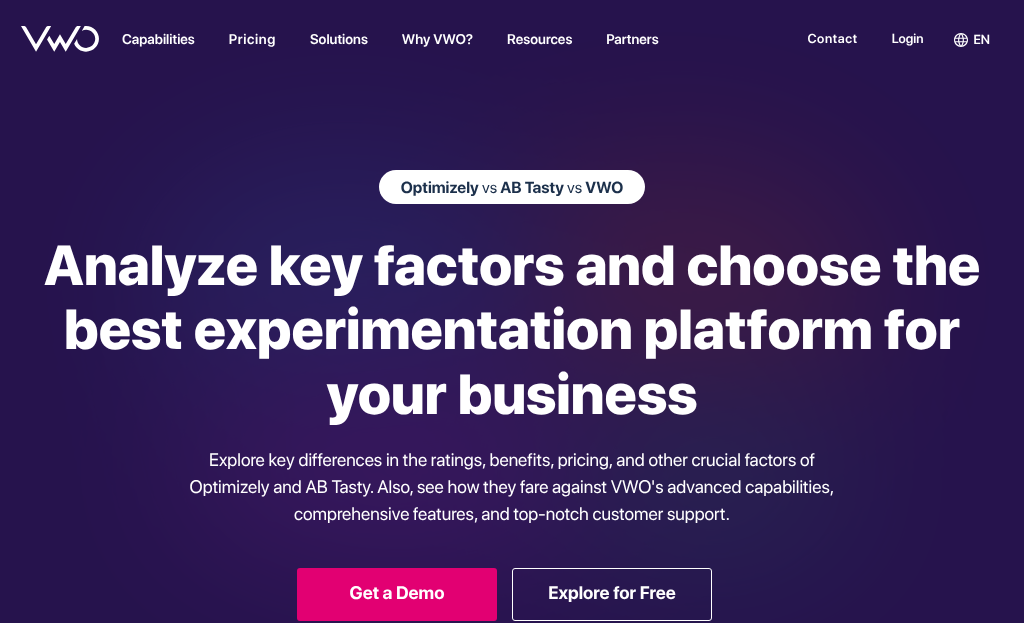
Free plans tend to have traffic caps or test limits; it's not a dealbreaker for a small site, but it's worth checking before a setup. A free plan that only lets you run one test at a time may slow you down more than help.
| Tool | Free Plan | Starting Paid Price | Key Free Features |
|---|---|---|---|
| VWO | Yes (up to 50K visitors) | ~$199/month | A/B tests, heatmaps, basic reports |
| Optimizely | Free trial only | Custom pricing | Visual editor, one active experiment |
| Convert | 15-day free trial | ~$199/month | Unlimited tests during trial |
| AB Tasty | Demo only | Custom pricing | Full feature access during demo period |
Free does not automatically mean the right fit. If a free plan leaves out the features you identified as important in the last section, a low-cost paid plan will serve you better from day one.
Mid-Range Paid Tools With Strong Small Business Features
Once you move into the $50-$300 per month range, the experience changes noticeably. You get visual editors, faster support, and features that don't make you feel like you're fighting the software to get something done.
The tools worth looking at in this range include Optimizely (entry-level plans), VWO, AB Tasty, and Convert - and each one targets slightly different needs, so the right pick can depend on what your website already has in place.
| Tool | Starting Price | Visual Editor | Heatmaps Included | Best For |
|---|---|---|---|---|
| VWO | ~$99/mo | Yes | Yes | All-in-one testing + insights |
| AB Tasty | ~$100/mo | Yes | No | Ease of use, fast setup |
| Convert | ~$199/mo | Yes | No | Privacy-focused businesses |
| Optimizely | Custom (often $200+) | Yes | No | Scaling beyond basic tests |
VWO works pretty well here because it bundles heatmaps and session recordings alongside A/B testing, which means you're not paying for two separate tools to know what users do before and after a test.
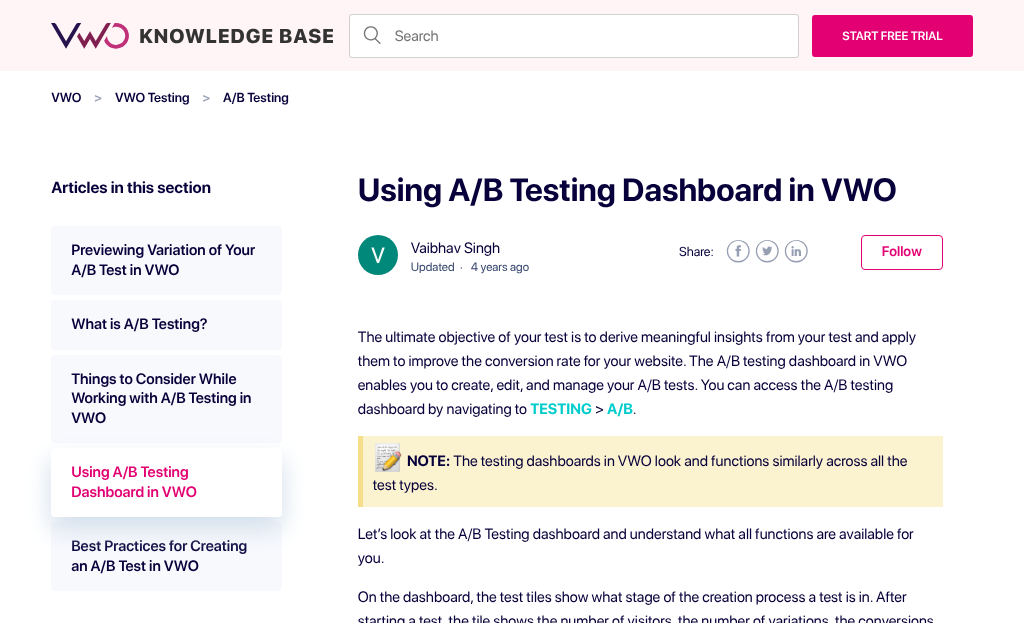
One thing worth factoring in: G2 data puts average A/B testing ROI at around 9 months. Paying $150 a month for a tool that legitimately helps with your conversion rate will pay for itself - you just need to give it enough time and traffic to work.
The actual choice at this price point is between a standalone A/B testing tool and something bundled with analytics features. If you're already using heatmap software separately, a standalone tool keeps things lean and avoids overlap.
How Much Traffic You Need for A/B Testing to Actually Work
Before you pick a tool, there's a more basic question to answer: do you have enough visitors for a test to tell you anything helpful? It's one of the most skipped steps in the whole process, and it leads small business owners to make changes based on data that doesn't hold up.
The core idea here is statistical significance. To break it down, it means you have enough data to be reasonably confident that the result you're seeing is real and not a coincidence. If only 200 people visited your site during a test and version B got 12 conversions instead of 10, that difference means almost nothing. You'd need far more visitors to know if that gap is genuine.

A rough benchmark to keep in mind: most A/B testing experts recommend at least 1,000 visitors per variation to draw any conclusions. For tests with smaller expected differences between versions, you might need closer to 5,000 per variation. Running a test for less than two weeks is also risky even if the numbers look promising early on, because traffic patterns change across days of the week.
Low-traffic sites aren't out of luck though. Bigger changes tend to produce more detectable differences, which means you need less traffic to reach a reliable result. Changing a single word in a button label is hard to measure on a small site - but redesigning an entire signup form might show results faster.
Some tools include a built-in sample size calculator where you enter your latest conversion rate and the improvement you're hoping to detect. These calculators are helpful for setting basic expectations before a test even starts, and they help you choose how long to run it.
Common Mistakes Small Businesses Make With A/B Testing Tools
One of the most common mistakes is testing too many elements at once. When you change the headline, the button color and the layout in a single test, you have no way to know which change actually made the difference. Test one thing at a time and be patient with it.
Ending tests too early is another easy trap - it's tempting to call it when one version pulls ahead in the first few days, but early results can be misleading. Let your test run long enough to collect data that actually means something.
A lot of small businesses also forget to separate their mobile and desktop results. A button placement that works pretty well on a laptop screen might perform differently on a phone. Most tools let you filter results by device, so it's worth looking at each one separately.
Around 89% of US businesses A/B test their email campaigns, but far fewer apply that same level of attention to their websites. The discipline is there - it just doesn't always carry over.
There's also the habit of testing only small cosmetic changes. Button colors and font sizes are fine to test, but they don't move the needle in a real way. If your conversion rate is struggling, the answer is more likely in your headline, your pricing layout, or your call-to-action copy.
It also helps to write down what you're testing and why. If you don't have a hypothesis, it's easy to run tests without learning anything helpful from them. Even a simple note about what you expect to happen and why will make your results far easier to interpret.
Pick a Tool, Run a Test, and Let the Data Do the Talking
When narrowing down your options, make the choice easy by returning to four questions: How much traffic does your site get? What can you realistically spend? Which features do you actually need? And how much time do you have to learn something new? Your answers will point you toward the right fit faster than any feature comparison chart.

Before you commit to a paid plan, take advantage of free trials. Most respected tools give you them, and even a two-week trial can tell you quite a bit about whether a platform fits the way you work. You want to find the tool you'll actually use - not the most refined one. Small businesses that test make better decisions than the ones that guess. That benefit compounds over time. Start small, stay curious, and let the results do the talking.
FAQs
What happened to Google Optimize for small businesses?
Google shut down Google Optimize in September 2023, leaving small businesses without a free A/B testing tool. This forced many to find paid or alternative replacements, often requiring new technical setup that Google Optimize had previously handled automatically.
How much traffic do I need to A/B test?
Most experts recommend at least 1,000 visitors per variation for reliable results. Low-traffic sites should test bigger changes, like redesigning a full form rather than tweaking a button label, to detect meaningful differences faster.
What features should small businesses prioritize in A/B tools?
A visual no-code editor and statistical significance tracking are essential. A clean reporting dashboard and CMS integration are also important. Heatmaps and personalization features are useful extras but shouldn't drive your decision.
Are there free A/B testing tools available after Google Optimize?
Yes. VWO offers a free plan up to 50,000 visitors, while Convert and Optimizely offer free trials. Free plans often have test or traffic limits, so check restrictions before committing.
What are the most common A/B testing mistakes to avoid?
Avoid testing multiple elements at once, ending tests too early, and ignoring differences between mobile and desktop results. Always test one change at a time and run tests long enough to collect statistically significant data.


