

The numbers make this sting even more. 81% of users abandon forms they have already started filling out. Not forms they glanced at and ignored - forms they actually began. They typed something in, moved forward, and still left. That is not a traffic problem or a targeting problem. That is a form problem.
Kind of like a leaky funnel. Leads are entering at the top, showing genuine intent, and then slipping out through cracks they never even saw - and neither did you. The drop-off is not dramatic. There is no single moment where everything falls apart - it's quieter than that, which is what makes it easy to miss.
The frustrating part is that the reasons behind this drop-off are almost never big, tough problems. They are small friction points, soft trust gaps, and ignored design options that compound across steps. Most of them are fixable once you know where to look.
That is what this post is about - the usually-ignored reasons leads stop moving through your form before they convert, and why solving them is easier than you might expect.
Key Takeaways
- 81% of users abandon forms they already started, making drop-off a form design problem, not a traffic issue.
- Sensitive fields like phone numbers and passwords cause significant abandonment; placing them too early damages trust before it's built.
- Reducing form fields dramatically boosts completions - cutting from four to three fields can increase conversions by around 50%.
- Mobile users convert at notably lower rates than desktop users, partly due to small tap targets and disruptive keyboard behavior.
- Progress indicators reduce abandonment by 20-25% by leveraging the goal gradient effect, helping users see a clear finish line.
The Fields That Silently Push People Away
Not all form fields carry the same weight. Some are easy to fill in without a second thought. But others create a bit of hesitation that breaks the whole flow. That hesitation is usually enough to lose people.
Phone number fields are one of the biggest culprits. Research has shown that making a phone number field mandatory can drive abandonment as high as 37%, and the field itself carries a drop-off rate of around 6.3%; it's an actual chunk of leads gone from just one line on a form. Making the field optional brings that number down significantly, which tells you quite a bit about how people feel when they sense they're being pushed to hand over contact details before they're ready.
Password fields have a similar effect. With a mean abandonment rate of around 10.5%, they introduce friction at a point where the person hasn't yet decided if the relationship is worth committing to. Asking to create an account - and a password - early in the process puts the weight of a long-term commitment onto what should feel like an easy first step.
The issue is timing. A phone number or a password could be reasonable to ask for at some point. But asking too early feels transactional in the wrong direction - like you're taking something before you've given anything back.

Trust has to be built step by step. Early in a form, people are still deciding if they want to go further. The fields you put in front of them at that stage should feel low-stakes to answer. Sensitive or commitment-heavy fields tend to be more helpful later, once the user has already invested time and feels more confident about where things are headed.
A helpful question to ask about any field is: does this need to be here? Field order matters more than most people realise, and moving one field further down the sequence - or making it optional - can have a measurable effect on how many people reach the end.
How Form Complexity Compounds Drop-Off Step by Step
Individual fields cause friction. But the bigger problem is stringing too many steps together.
The Baymard Institute found that 18% of users abandon checkout and lead forms because the process feels too long or tough; it's not leaving because of one bad field; it's doing a mental calculation mid-form and deciding the payoff isn't worth it.
Think of each step as a new exit door. The more steps you have, the more opportunities there are to walk out - factor in distractions, second thoughts, or a slow connection.
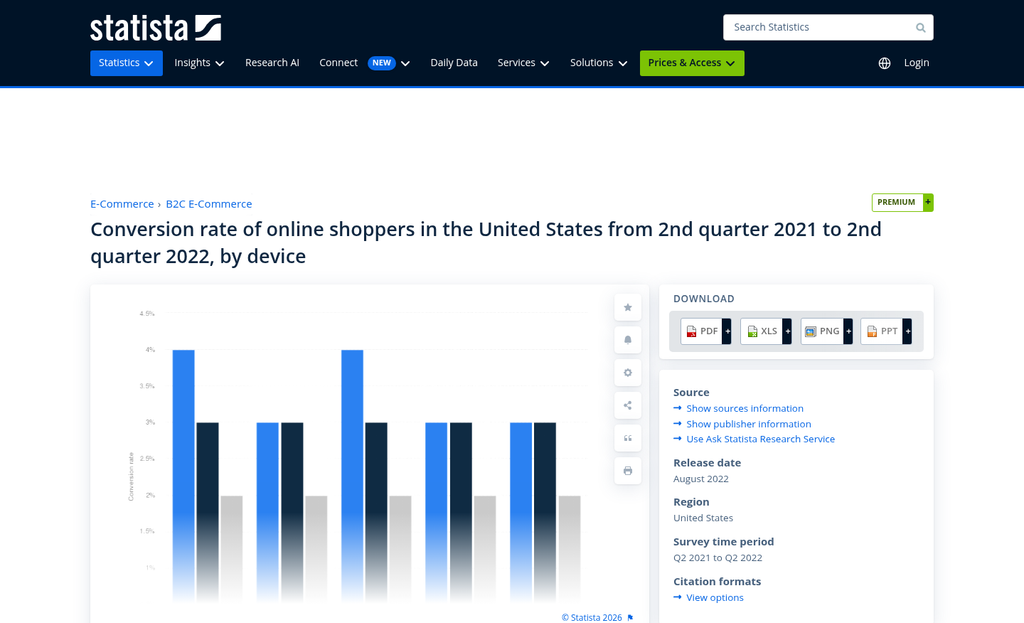
The data on field reduction has proven this too in a concrete way. HubSpot found that cutting back on the number of form fields from four to three can increase conversions by around 50%. Imagescape cut their form fields from 11 down to 4 and saw a 160% increase in submissions. These aren't small adjustments making small gains - the relationship between form length and drop-off is steep.
In practice, forms grow incrementally. A team can add a field to collect better sales data, then another to feed a CRM tag, then a few more to qualify leads more precisely - and each addition feels basic in isolation. The result is a form that asks for more than users who haven't yet decided they trust you enough to give it.
If your form gets demanding early - asking for a phone number or budget range before the user feels invested - you lose them before they've had a chance to get on board; it's a pacing problem, and it's worth looking at your own form to know where the pressure starts. Using micro-commitments can help ease users in before you ask for anything significant.
A helpful audit question: at which step does your form start to feel like it's asking for more than it's giving? If that point comes early, you likely have a difficulty problem that no amount of design polish will fix.
Why Mobile Users Are Abandoning Your Form at a Higher Rate
Mobile users face more friction when filling out forms, and the numbers show it clearly. The difference between desktop and mobile form conversions is real and measurable - desktop forms convert at around 55.5% while mobile sits closer to 47.5%; it's not a rounding error; it's an actual chunk of leads walking away before they finish.
A multi-step form can seem basic on a laptop and exhausting on a phone. The problem is not necessarily a design flaw visible in a preview - it's a feel problem that only shows up when someone is tapping through it with their thumb.
Tap targets are one of the biggest culprits. Buttons and input fields that look fine on a desktop screen can be frustratingly small on a 6-inch display, easy to miss or accidentally skip. When the keyboard pops up, it can push your form fields around or hide the next button entirely. A user who has to scroll up just to find where they are will lose patience fast.
Progress indicators are another area where mobile users get a worse experience. A clean progress bar that sits neatly at the top of a desktop layout can become hard to read or partially hidden on mobile. If users can't tell how far they have left to go, they have no reason to keep pushing forward. That connects directly to what the next section covers.

There's also the keyboard itself to think about, and each time a new step loads, mobile users usually have to tap a field to bring the keyboard back up. That small interruption adds up across multiple steps and makes the whole process feel more disjointed than it should.
The part most people skip is that resizing a browser window on your desktop is not the same as testing on a phone. Responsive design tools are helpful. But they don't replicate the keyboard behavior, the tap accuracy, or the general feel of filling something out on a mobile device. Pull out an actual phone, go through your own form from step one, and take note of where it gets annoying.
What Happens When Users Don't Know How Far They Have Left
There is one structural problem that loses leads quietly: the missing progress indicator. When a user lands on step two of your form and has no idea if there are two more steps or eight more, they have to make a judgment call with almost no information. A lot of them decide it's not worth the risk.
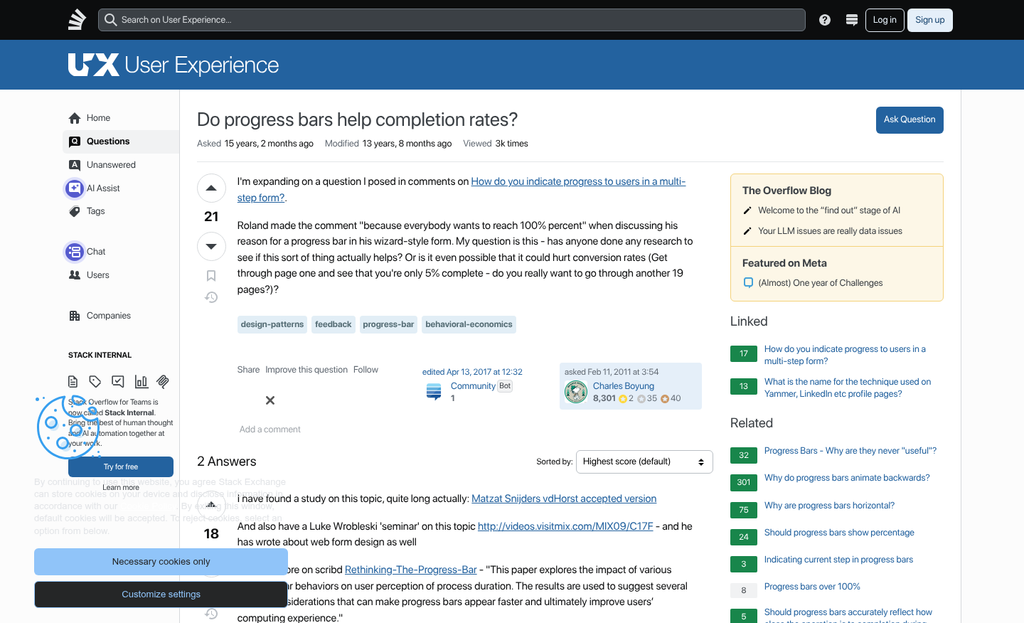
That uncertainty is not a minor annoyance. Research into form behavior has found that progress indicators can cut back on abandonment by 20 to 25 percent. That is an actual number, and it depends on something very human - people are far more willing to continue something when they can see the finish line.
This connects to what psychologists call the goal gradient effect. The closer someone feels to completing something, the more motivated they are to push through. A visible progress bar creates that feeling - even when the user is still in the early stages - it makes the form feel finite and manageable, and that changes how people behave.
Completion bias plays into this too. Once someone has invested time in the first two steps, they feel a pull to finish what they started. But that pull only works if they believe an end actually exists. If you don't have a progress indicator, there's nothing to anchor their sense of progress and nothing to make the investment feel worth protecting. Understanding the psychology behind what drives users to complete actions can help you design forms that work with these instincts rather than against them.
E-commerce checkout flows have understood this for years. Most online retailers break the checkout into named stages - cart, shipping, payment, review - and show users where they are at all times. The result is a process that feels structured instead of open-ended. Lead gen forms can take the same strategy - even if the steps are less transactional in nature. If you are also struggling with drop-off at the top of the funnel, it may be worth looking at why your lead magnet isn't converting as a separate layer of the same problem.
It is worth auditing your own form with fresh eyes. Walk through it as if you have never seen it before and ask yourself if you would know how long it takes to complete. If the answer is no, your users are making that same assessment and are choosing to leave instead of find out. Tools that use exit-intent technology can help you recover some of those users before they go, but fixing the underlying structure is always the better first step.
An easy "Step 2 of 4" label or a visual progress bar costs almost nothing to add. The absence of one is quietly costing you leads every day.
Fix the Leaks, Then Watch the Form Actually Work
The best way to find what's costing you leads is to sit down and go through your own form like a skeptical stranger would - not as a person who built it or knows what's coming next. But as a person who just arrived, isn't sure they trust you yet, and is one confusing field away from clicking away. Notice where you pause. Notice what feels like too much to ask. Those moments of hesitation are where your leads are quietly leaving.
You don't need to fix everything at once. Pick one thing - a field that's asking for more than it needs to, a step that could have been simplified, a progress bar that's missing, or a layout that falls apart on mobile - and test a change this week. Small improvements compound quickly, and a single friction point removed can change your completion rate more than you'd expect. If you're not sure where to start, the right A/B testing tools can help you identify exactly which changes are worth making. The form you have is close - it just needs a look.
FAQs
Why do users abandon forms they've already started filling out?
81% of users abandon forms they've already begun due to small friction points like sensitive fields, too many steps, or unclear progress indicators. These aren't traffic problems - they're form design problems that compound across steps.
Which form fields cause the most abandonment?
Phone number and password fields are the biggest culprits. Mandatory phone fields can drive abandonment up to 37%, while password fields carry a mean abandonment rate of around 10.5%, often because they feel like too much commitment too soon.
How does form length affect conversion rates?
Significantly. Cutting form fields from four to three can increase conversions by around 50%. Each additional step creates another opportunity for users to exit, especially if the form feels longer than the perceived value of completing it.
Why do mobile users abandon forms more than desktop users?
Mobile forms convert at roughly 47.5% versus 55.5% on desktop. Small tap targets, keyboards obscuring buttons, and disjointed step transitions make multi-step forms feel far more frustrating on a phone than they appear in desktop previews.
Do progress indicators actually reduce form abandonment?
Yes. Research shows progress indicators can reduce abandonment by 20-25%. They leverage the goal gradient effect, making users more motivated to finish once they can clearly see how close they are to completing the form.
