

Content gating is a legitimate strategy. Done well, it fills your pipeline with people who are actually interested in what you offer. But done carelessly, it can quietly erase the search rankings you've spent time and budget earning. Most advice on this topic lands hard on one side or the other - either "gate everything" or "never gate anything" - which isn't especially helpful if you're trying to make a choice about a specific piece of content.
The truth is more nuanced than either camp admits. How you gate content matters just as much as whether you gate it. The technical setup, the type of content, and where it sits in your funnel all play a role in determining if a gate helps your business or quietly works against it.
I'll walk through how content gating actually works, what it tends to do to your SEO when handled poorly, and - more importantly - how to structure things so you're not forced to choose between leads and rankings. If you've been sitting on the fence about gating a piece of content, or you've already gated something and started to see a traffic dip, this is the place to start.
Key Takeaways
- Search crawlers can't pass through gates, so fully blocked content gets treated as thin and loses rankings.
- Cloaking-showing Google full content while users see a gate-violates spam policies and risks manual penalties.
- Content with high traffic, backlinks, or page-one rankings should stay open; newer low-traction content is safer to gate.
- Soft gates, partial reveals, and exit-intent popups preserve full crawlability while still capturing leads effectively.
- HubSpot's softer gating tests produced 79% more leads and 132% higher conversions than hard-blocking content.
What Gating Actually Does to Search Crawlers
When a human visitor lands on a gated blog post they see a form or a prompt to sign in before they can read the content. When Googlebot lands on the same page, it may see something different. That difference is where things get tough.
Search crawlers don't fill out forms or log into accounts. They request a URL and read whatever the server sends back. If your gate hides the post body from unauthenticated requests, the crawler gets a page with very little content on it. There is no post text to index, no keywords to associate with the URL, and no reason to rank that page for anything.
HubSpot ran tests on gated blog content and found that roughly half of the posts they tested saw negative results on search performance after gating.
The underlying reason is straightforward. Google ranks pages based on what it can read. If the content is locked behind a gate that the crawler can't pass through, Google treats that page as thin or low-value. The rankings drop because the page no longer shows relevance for the search terms it used to rank for.
It's helpful to remember what Google is trying to do here. Its entire job is to match search queries to helpful content. If it can't read your content, it can't do that job for your page. A gate does not make your content less helpful to humans - it makes it invisible to the system that decides where your page appears in search results.
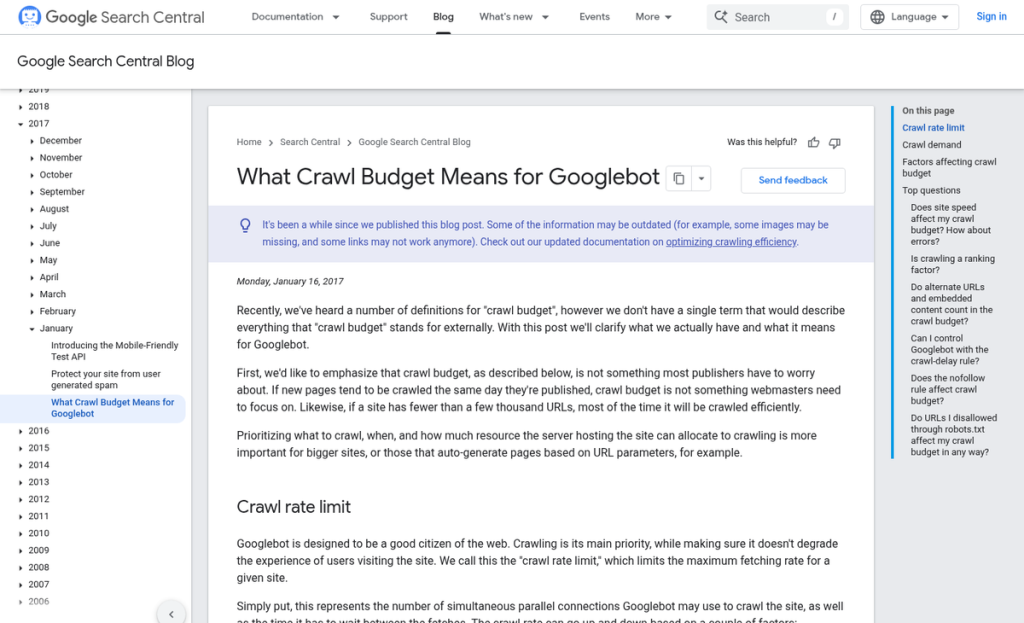
There is also a crawl budget angle worth learning about. Larger sites get a limited number of pages crawled per visit. If Googlebot hits a series of gated pages and gets almost no content from them, it may start to deprioritize those URLs. That can slow down how quickly new or updated content gets indexed across your whole site. One way to reduce that risk is to reconsider how aggressively you gate content in the first place.
The bot and the human are basically having two different experiences of the same URL. Google pays close attention to that gap - and how you manage it determines what comes next.
Why Cloaking Is the Line You Cannot Cross
Once you understand how crawlers use gated pages, a particular workaround starts to look interesting. What if you could show Google the full post while keeping the gate in place for standard visitors? The crawler indexes everything, users still have to sign up, and no one loses - it's a clean answer.
That strategy is called cloaking, and Google treats it as a direct violation of its spam policies.
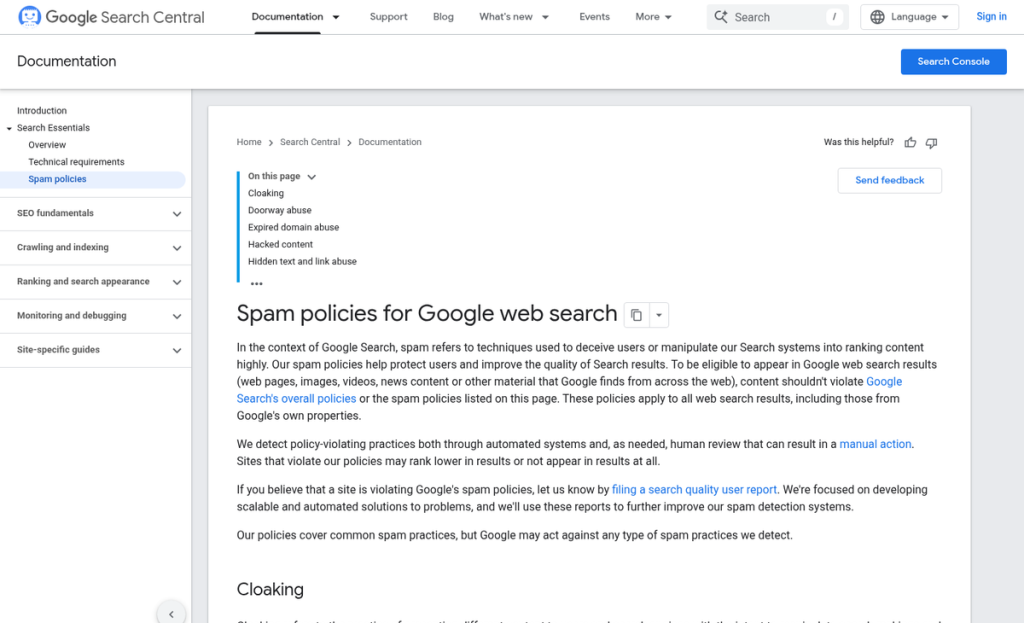
Cloaking means deliberately serving different content to Google than you serve to humans. A script detects the crawler's user agent or IP address and strips the gate away, letting Googlebot read the full page. A visitor lands on the same URL and hits a wall. Google has been explicit about this: it's not a gray area or a technicality, it's a deceptive practice that can give you manual penalties or removal from search results entirely.
Google's quality guidelines are built on the principle that what it indexes should match what users actually experience. When those two things don't line up, the whole system breaks down. Google is basically being misled into ranking a page that users can't access, which undermines the trust its search results depend on.
It is also worth knowing that Google has refined ways to detect this - it can crawl pages from multiple IP addresses and compare what it receives, it runs user-side tests, and it processes user feedback. Assuming that a cloaking script will go unnoticed is not a safe bet, and that's increasingly true as Google's detection methods continue to get more precise.
The tough part is that some legitimate JavaScript-based gates can accidentally produce cloaking-like behavior. If your gating script loads too slowly or fails to fire before Googlebot finishes rendering the page, the crawler may see the full content while users see the gate. That is unintentional cloaking, and it still creates problems - it's worth testing your gated pages with Google Search Console's URL inspection tool to see what Googlebot actually renders.
There is also a subtler version of this to watch for. Some setups gate the body content but leave a meta description, structured data, or a long introductory section visible to crawlers. That alone does not cross the line. But if the indexed content creates a strong expectation that the page does not deliver to users, then you'll start to accumulate poor engagement signals that hurt rankings over time.
The core principle is simple: whatever Google is allowed to index, a user should also be able to access in a comparable way. You can restrict content, you can gate it, and you can build a lead generation strategy around it - but the experience Google sees and the experience users get need to match.
How to Decide Which Content Should Stay Open
Not every post is a candidate for gating. The choice can depend on what a piece of content is already doing for you in search, because some posts are quietly pulling in traffic and links every month and others sit almost untouched.
Before you gate anything, pull it up in your analytics and your preferred SEO tool. Look at three things: how much organic traffic it gets, how many backlinks point to it, and where it ranks for its target keywords. If any of the numbers are significant, that post is doing work.
Age matters more than you might expect
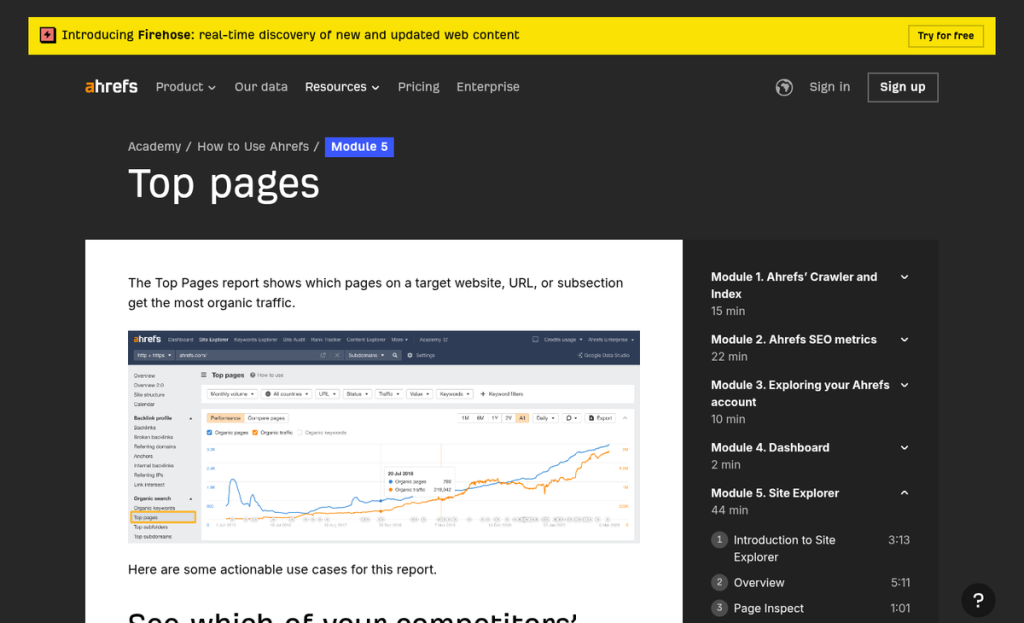
Ahrefs data shows that nearly 60% of top-ranking pages are at least three years old. A well-established post has likely built up ranking authority over a long time. Putting a gate on it introduces friction and risks disrupting whatever signals helped it get there.
Older posts with steady traffic are the ones most worth protecting. Treat them as assets you want to keep open, not as leads you want to capture.
A simple way to sort your content
Think of your posts in two groups. The first group includes anything ranking on page one, anything with backlinks from other websites, and anything driving steady monthly visits. These posts stay open. The second group includes newer posts with little organic traction, content written for a campaign, or deep-dive resources where the audience already knows what they want and is ready to trade an email for access.
That second group is where gating can work without much downside.
One more thing to check is intent. If someone searching a broad informational keyword lands on your page, they are likely still in research mode. A gate at that point tends to push them straight back to the search results. Understanding how exit-intent technology works can help you recover some of those visitors before they leave.
Content written for readers already close to a decision is a much better fit for gating. They want the detail, and they are prepared to give up something small to get it. Pairing gated content with the right call-to-action approach can make that exchange feel more natural and drive better results.
Gating Approaches That Don't Block Search Visibility
You don't have to choose between capturing leads and staying visible to Google. There are a few helpful strategies that let you do both at the same time.
Soft Gates
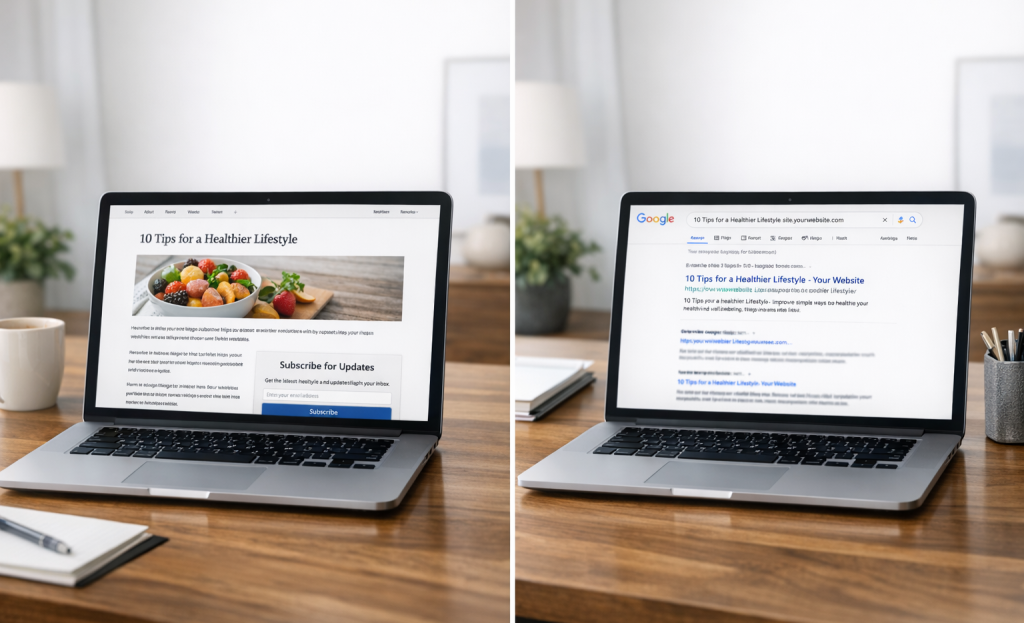
A soft gate shows the full content to anyone who wants it but places a signup form in a prominent position alongside it. The reader can scroll past and read without signing up. But the form is hard to miss. Google sees the content, indexes it fully, and your lead capture still gets a fair shot.
Partial Content Reveals
This approach lets you publish an actual portion of a post openly - enough to satisfy search intent and rank well - and then place a form before the final section. Google can crawl and index the visible content, which is what matters for your rankings.
Showing users a full post and then hiding it from Google is the inconsistency that triggers a manual penalty.
Exit-Intent Popups and Inline Forms
Exit-intent popups appear when a reader moves toward closing the tab and don't interrupt the reading experience at all. Inline forms sit within the content flow and ask for an email at a natural pause point. Both strategies leave the full content accessible to search engines and to users who don't convert.
HubSpot tested softer gating methods like these and saw a 79% increase in leads along with a 132% lift in conversions; it's a strong case for not over-restricting your content.
How the Approaches Compare
The pattern here is clear. The more content you hide from users and crawlers, the more your search visibility drops. The strategies that keep content open to Google perform better across all three columns in the long run.
Form placement and copy matter just as much as the gating style itself. A soft gate with a weak call to action will underperform a well-written inline form every time.
Gate Smarter, Rank Stronger
The goal is to find the strategy where leads and rankings can coexist. That might mean gating a newer asset that hasn't built search equity with a soft gate that lets crawlers through, or leaving your top-traffic pages open and gating something more down the funnel. There's no single right answer. But there's usually a better one than the default. If you're building out your landing pages with conversion in mind, the gating decision becomes part of a larger CRO strategy worth thinking through carefully.
The next time you're tempted to put a form in front of a high-ranking piece of content, ask yourself one question first: Am I gating this because it's legitimately helpful enough to trade for, or just because it exists? That distinction is usually where the right call can become obvious. It's also worth considering whether a free trial or freemium model might serve your conversion goals better than a hard gate altogether.
FAQs
What happens to SEO when content is fully gated?
Search crawlers can't pass through gates, so they treat fully blocked content as thin or low-value, causing rankings to drop since Google can't read or index the page properly.
Is showing Google full content while users see a gate allowed?
No. This is called cloaking and directly violates Google's spam policies, risking manual penalties or complete removal from search results.
Which content is safest to gate without hurting SEO?
Newer content with low traffic and no backlinks is safest to gate. High-traffic pages, content with backlinks, or page-one rankings should remain fully open.
What gating methods preserve search visibility?
Soft gates, partial content reveals, exit-intent popups, and inline forms all keep content crawlable by Google while still capturing leads effectively.
Do softer gating methods actually generate leads effectively?
Yes. HubSpot's tests with softer gating methods produced 79% more leads and 132% higher conversions compared to hard-blocking content.