

The reasons vary. For some teams, the pricing climbs faster than expected as contacts and seats grow. For others, the platform feels overbuilt - with features they'll never touch while still missing the one thing they actually need. Startups find it hard to justify the cost. Ecommerce businesses want deeper integrations. Sales-focused teams need tools that prioritize lead capture over support ticketing.
The market for live chat and lead capture tools has expanded significantly, and the alternatives worth thinking about span a number of strategies. Some lean heavily into AI-driven automation. Others are built specifically for sales pipelines, ecommerce storefronts, or lightweight customer support. A few are designed to be easy by choice - no bloat, no drawn-out learning curve, just the core functionality that most teams actually use day to day.
This guide is here so you can cut through the noise. Whether you're switching platforms and looking at tools for the first time, or just curious what else is out there, the goal is to give you a picture of your options so you can find the one that actually fits your team, your budget, and the way you work.
Key Takeaways
- Intercom alternatives exist because teams face rising costs, unused features, missing integrations, or complex setups that slow workflows down.
- AI-powered tools like Tidio can resolve up to 64% of customer questions automatically, benefiting lean teams handling high conversation volumes.
- Sales-focused platforms like Drift prioritize lead capture and pipeline conversion, while ecommerce helpdesks like Gorgias are built around order management.
- The best tool fits your existing stack - check for native CRM integrations before committing, since workflow disruption costs more than subscription fees.
- Most alternatives offer free trials; testing with real conversations is more revealing than demos or feature comparison lists.
Why Teams Start Looking for Intercom Alternatives in the First Place
Intercom is a capable platform - and that's not up for debate. But capability doesn't always translate to fit, and teams reach a point where the monthly invoice starts to feel disconnected from what they're getting.
Pricing is the most common trigger. Intercom's cost can scale faster as your contact list grows or as you add seats for more team members. For a small support team or a solo founder, that trajectory can seem hard to justify - especially when a chunk of the features in the plan go untouched.
There's also the setup side of things. Intercom has moving parts, and getting it configured for what you want takes time and some technical patience.
Sometimes the gap runs the other way. Some teams find Intercom's toolset doesn't go deep enough in areas that matter most to them - advanced bot logic, a particular integration, or the way conversations get routed and handed off. A platform can be feature-rich and still fall short in one area that's central to how your team works.

Before switching anything, it's worth asking a few honest questions. Are you using most of what you're paying for? Is the complexity of the platform helping your workflow or adding friction to it? If you stripped everything back to what your team actually needs day to day, would Intercom still be the answer?
None of this is a knock on Intercom - it works for the teams it's designed for. But the market has changed, and there are now tools built for narrower, more specific use cases - which means a better match could be out there for where your team is right now.
AI-Powered Chat Tools That Handle Support Without a Full Team
For lean teams handling a high volume of incoming messages, an AI-first chat tool can make a difference. Instead of hiring more agents to keep up, you train a bot on your content and let it manage the repetitive things automatically.
Tidio is one of the more talked-about options in this space, largely because of its built-in AI agent called Lyro. Tidio claims Lyro can resolve around 64% of customer questions on its own and save teams as much as 70% of the time they'd normally spend on routine queries.
That setup matters more than you might expect. The better your documentation and FAQ content, the more helpful an AI tool like it will become. A sparse knowledge base will limit what the bot can do, no matter how good the underlying technology is.

Startups and small support teams get the most out of this type of platform. If you have one or two agents taking care of hundreds of conversations a week, automating even a third of the interactions frees up time. That time can go toward the tougher tickets that actually need a human to look at them.
These tools also work well for businesses that get the same questions repeatedly. Shipping timelines, return policies, account resets - the questions where the answer doesn't change. AI handles those well. Nuanced, emotional, or multi-step conversations are where you still want a person involved.
Most AI chat platforms in this category also have a live chat layer so human agents can step in when the bot reaches its limits. Tidio does this, and so do a few competitors. The handoff between bot and agent is one of the things worth testing before choosing any platform.
Sales-Focused Platforms Built Around Pipeline and Lead Capture
Not every business needs a chat tool to manage support tickets. Some teams need to turn website visitors into booked meetings and qualified leads, and that calls for a very different platform.
That's where conversational marketing tools come in. In practice, that means chatting to qualify visitors in real time, routing them to the right sales rep, and moving them into a pipeline without a form or a follow-up email chain. You want to compress the time between "visitor showed up" and "meeting is booked."
Drift is the most well-known name in this space - it was built from the start around B2B sales workflows instead of customer support. In 2024, Salesloft acquired Drift and folded it into their wider sales engagement platform. That move pushed Drift more into enterprise sales territory, with premium plans starting at $400 per month.
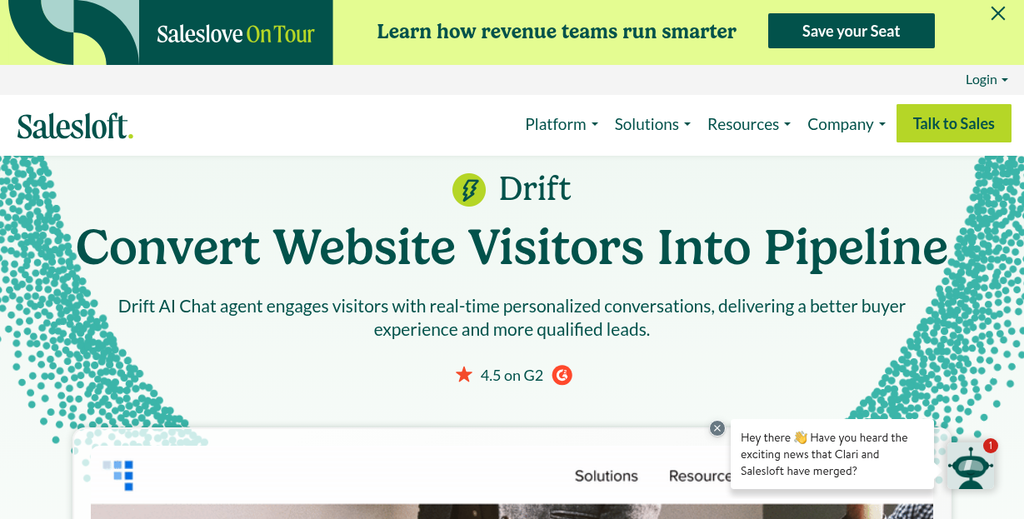
That price point tells you quite a bit about who these tools are built for. B2B sales teams, SDRs, and revenue operations get the most out of platforms like this. If your team is measured on pipeline and demos booked instead of resolution time, the economics can make sense.
There is a tradeoff, though. Platforms built around lead capture are less flexible with general support use cases. You get routing logic, CRM integrations, and meeting scheduling built right into the conversation window - but the support-side features can be thin by comparison.
It's also worth knowing that this category skews toward teams with dedicated sales ops resources. Lead routing rules, intent scoring, and rep availability windows take time to get right. Smaller teams without that bandwidth can find the setup process more involved than they expected.
If your job is to capture and convert leads from inbound traffic, a sales-focused platform will fit much better than a general-purpose helpdesk. But if your business runs on transactions and product questions, the next section is probably more relevant to you.
Ecommerce Helpdesks That Go Beyond Basic Chat
If you run a store, a generic chat tool with a Shopify integration bolted on is a very different thing from a platform built with ecommerce at its core. Ecommerce-native helpdesks are designed around the conversations that actually happen in retail - order status questions, return requests and "where is my package" messages that need data to answer fast.
Gorgias is the most well-known name in this space - it works with over 15,000 ecommerce businesses like Glossier, Steve Madden and TUSHY. The platform pulls order data directly into the support view so agents can see purchase history, shipping status and loyalty info without switching tabs. That context makes a difference when a customer is frustrated and wants answers immediately.
What separates a purpose-built ecommerce helpdesk from a general-purpose tool is how deep those integrations actually go. A true ecommerce helpdesk connects to Shopify and also lets agents issue refunds or edit orders from inside the conversation. Generic tools ask agents to jump between systems for the same thing. If you're also thinking about conversion rate optimization tools for your Shopify store, pairing them with a strong helpdesk can meaningfully improve results.
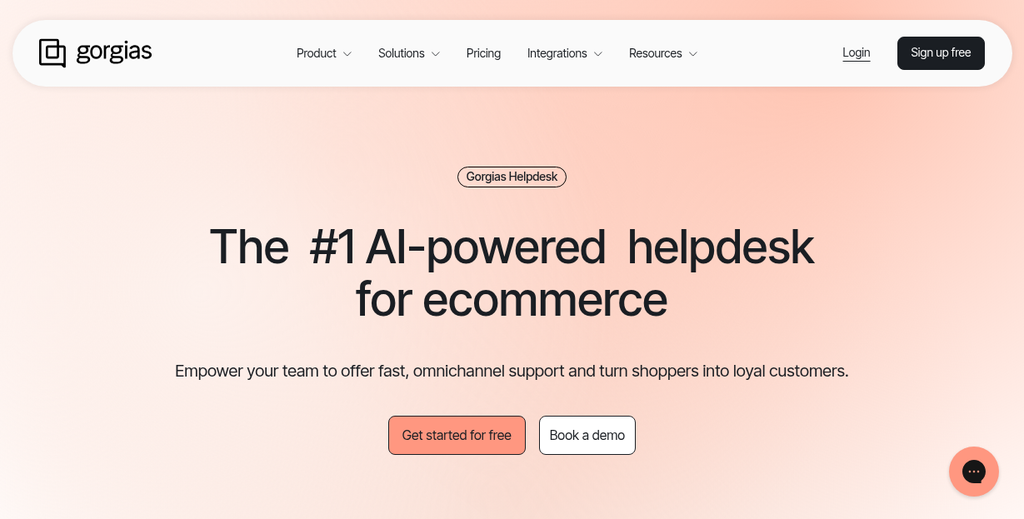
Brand voice also matters more in retail than in other industries. Ecommerce helpdesks have stronger tools for managing canned replies and macros in a way that feels on-brand instead of robotic. A skincare company sounds different from a furniture brand and the support experience should reflect that. Small details in how you communicate can also tie into tiny website changes that boost sales across the board.
| Tool | Best For | Shopify Native | Starting Price |
|---|---|---|---|
| Gorgias | High-volume DTC brands | Yes | From $10/month |
| Reamaze | Small to mid-size stores | Yes | From $29/month |
| Freshdesk | Multi-channel retail teams | Via integration | Free plan available |
Reamaze is an alternative for smaller stores that want ecommerce-aware support without the price tag that comes with enterprise tools - it works with chat, email and social messages in one inbox and connects to Shopify and BigCommerce without much setup.
Team Inbox and Help Desk Tools for Collaborative Support
Some teams don't need a sales funnel or a bot sequence. They need a shared inbox where anyone on the team can see what's going on, pick up a conversation, and hand it off without things getting lost.
Collaborative support tools are built for that. The day-to-day experience usually looks like a shared queue of incoming messages, internal notes that customers can't see, and ownership so two agents don't reply to the same person at once.
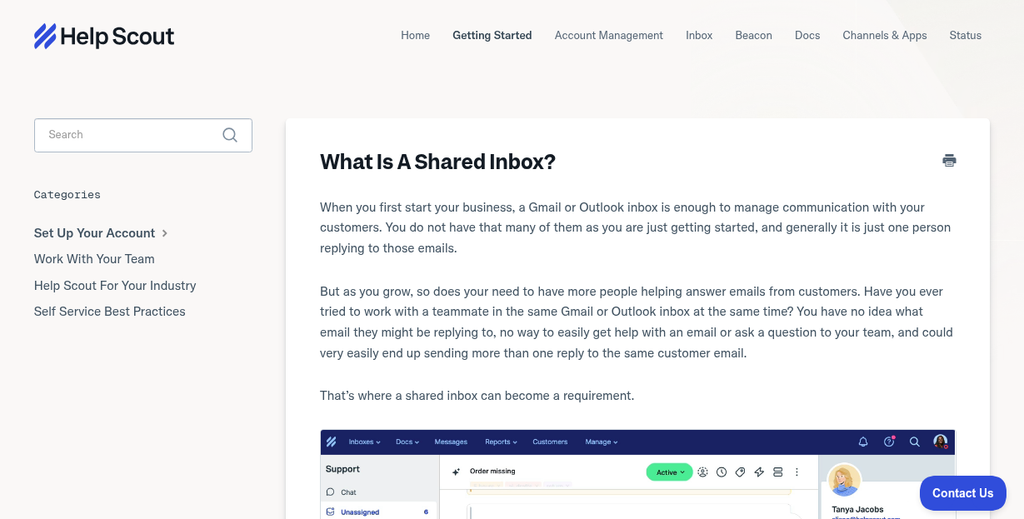
Help Scout is one of the most recognized names in this space - it's designed to feel like email, which makes it easy for new team members to get started without much training. The interface is clean and the focus is on human conversations instead of automation-heavy workflows.
Help Scout has three pricing tiers worth knowing about.
| Plan | Price per User/Month | Best For |
|---|---|---|
| Standard | $25 | Small teams getting started with shared inbox |
| Plus | $50 | Growing teams that need more reporting and integrations |
| Pro | $65 | Larger teams with advanced workflow and security needs |
This model works for support teams that manage a high volume of email-style requests - it's also a fit for teams where multiple people are responsible for the same inbox, like a general support address or a billing queue.
The tradeoff is that tools like this are less focused on live chat or lead capture. If your goal is to engage visitors in real time and move them through a funnel, a team inbox tool probably isn't your first choice. But if your priority is to keep internal communication tight and make sure no customer message gets missed, this category is worth a close look.
Teams in customer success, technical support, and internal IT tend to get the most out of this model.
How to Match Integrations and Workflows to Your Stack
Picking a chat or support tool is about whether it fits into everything you already have running - your CRM, your ticketing system, your team's habits.
The first question to ask is whether the tool syncs with your CRM without extra setup. If your sales team lives in HubSpot, you want leads from live chat to land there automatically. A tool that is going to need manual exports will get ignored within a week.
It's also worth checking if a new tool disrupts your existing ticketing flow. Some tools work alongside platforms like Zendesk or Freshdesk. Others try to replace them entirely, which can create gaps if your team isn't ready to migrate.
The cost of switching isn't always the subscription fee. Workflow disruption - retraining staff, rebuilding automations, reconnecting data sources - takes time that most teams don't budget for; it's worth factoring in before anything. If you run into issues during any of this, Viewers.com support can help point you in the right direction.

BotPenguin is an example of what broad integration support can look like in practice - it connects with 80+ tools like HubSpot, Slack, and Google Sheets, which means it can slot into existing setups without much friction. That flexibility matters when multiple departments are touching the same customer data.
Not every tool needs that many integrations. But you do want native connections to the two or three places your team uses every day. A long list of integrations means nothing if your core tools aren't on it.
A helpful step is to map out your existing workflow before comparing tools. Write down where leads come in, where conversations get handed off, and where data needs to go. Then check each tool against that map instead of against a generic feature list. Understanding the psychology behind high-converting calls to action can also sharpen how you think about the touchpoints in that flow.
Some teams also run a short pilot with real data before committing. Even two weeks of live use will surface friction points that a demo never will.
Picking the Right Tool Comes Down to One Question
The best tool isn't always the most feature-packed one - it's the one your team will actually open, use, and stick with. An easier platform that gets adopted beats one that sits ignored. Think about your team's comfort level, your current workflow, and how much time you realistically have to manage a new system.

Most of the tools covered here give you free trials, so you don't have to commit blind. Pick the one or two that feel like the strongest fit, test them with conversations, and see how they hold up in practice. When you find the tool that clicks, you'll know.
FAQs
Why do teams switch away from Intercom?
Teams commonly leave Intercom due to rising costs as contacts and seats grow, unused features, complex setup, or missing integrations that are critical to their workflow.
What is Tidio's Lyro AI and what can it do?
Lyro is Tidio's built-in AI agent that can reportedly resolve around 64% of customer questions automatically, saving teams up to 70% of time spent on routine support queries.
Which platform is best for B2B lead capture?
Drift is the most well-known sales-focused chat platform, built around B2B pipeline workflows. It was acquired by Salesloft in 2024, with premium plans starting at $400 per month.
What makes ecommerce helpdesks different from generic chat tools?
Ecommerce helpdesks like Gorgias pull order data, shipping status, and purchase history directly into the support view, allowing agents to resolve issues without switching between systems.
How should I evaluate integrations before choosing a tool?
Map your existing workflow first, identifying where leads come in and where data needs to go. Then check each tool for native connections to your core platforms like your CRM or ticketing system.


