

Scroll depth measures how far down a page a visitor travels before they stop or leave. It sounds simple - and in some ways it is - but what it shows is anything but. When a visitor scrolls 90% of the way through a blog post, that's a signal. When the majority of your visitors abandon a page at the 25% mark, that's a very different signal. Together, these data points create a fairly honest picture of how readers experience your content - not how you imagined they would when you wrote it.
The challenge is that most website owners look at scroll depth reports without really understanding what they are actually looking at. A number sitting in a dashboard does not explain why readers are dropping off, or what to do about it. That difference between data and action is where helpful information tends to get lost.
This is about closing that gap. By the time you finish reading, you'll know how to interpret what your scroll depth data is legitimately telling you about your content, where attention is fading and why, and the types of changes that move those numbers in a meaningful direction.
Key Takeaways
- Scroll depth is more reliable than pageviews or time-on-page because it directly signals intentional reading behavior.
- Expected scroll depth varies by page type: landing pages 20-40%, blog posts 60-80%, documentation 75% or higher.
- GA4's default tracking only fires at 90% depth, missing most readers; custom events at 25/50/75% reveal the full picture.
- Drop-off location reveals specific content problems: weak openings cause early exits, dense text causes mid-page abandonment.
- Simple fixes like stronger opening paragraphs, added subheadings, and visual breaks can meaningfully improve scroll depth.
Why Scroll Depth Became a Core Metric for Content Performance
For a long time, pageviews were the favorite measure of content success. If someone clicked through to a post, that counted as a win. But a pageview only tells you that they loaded the page - not that they read a single word of it.
Time-on-page seemed like a better answer for a while. The logic made sense: if someone spent five minutes on a page they were probably reading it. But a tab left open in the background looks the same as an involved reader. The data gets distorted fast and gives you false confidence about how well your content is actually landing.
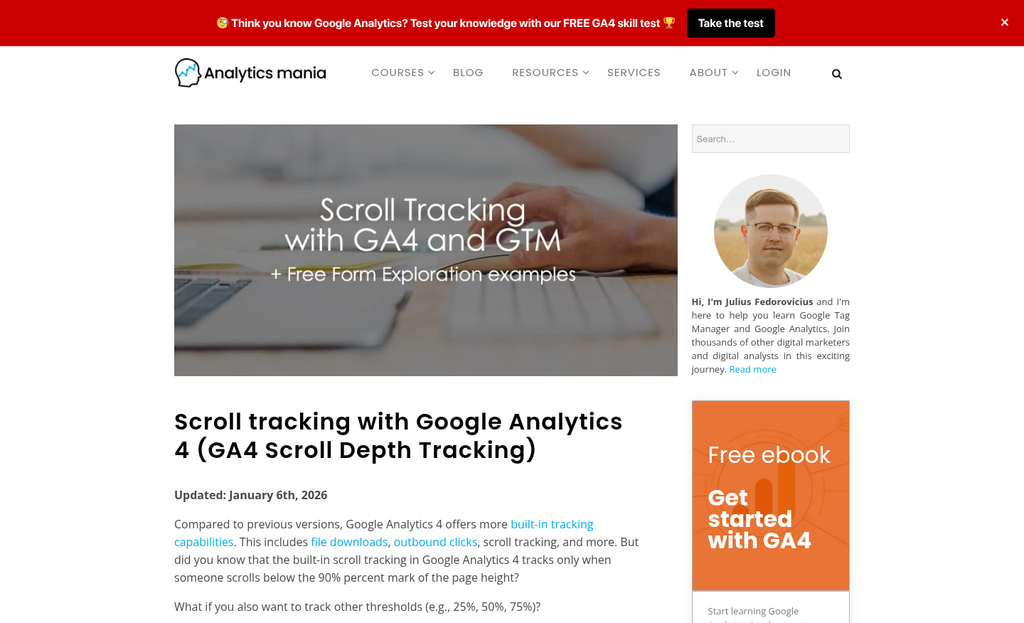
Scroll depth filled that gap - it tracks how far down a page a user moves, usually measured in percentage increments like 25%, 50%, 75%, and 100%. That movement is intentional in a way that a pageview or an idle tab is not - it gives you something quite a bit closer to a signal of reading behavior.
This became especially relevant as long-form content grew in popularity around 2015. Brands and publishers were investing heavily in full articles, guides, and resource pages. Marketers needed a way to find out if all that investment was worth it - if readers were making it to the part where the argument lands or the product gets introduced. Pageviews couldn't answer that. Scroll depth could.
Content-led growth strategies put even more pressure on this question. If your content is supposed to build trust and move readers toward a choice, it matters enormously if they reached the section that does that work. A reader who drops off at 20% never got there. This is where tracking micro-conversion metrics alongside scroll depth starts to reveal the full picture.
Scroll depth also pairs well with other behavioral data. Combining it with click data or conversion events builds a more accurate picture of how content performs. On its own, it's already more informative than time-on-page. But it earns its place as part of a wider analytics setup - tools like Crazy Egg and Microsoft Clarity are commonly used for exactly this kind of behavioral analysis.
Scroll depth is not a perfect metric - it doesn't tell you if someone read or just dragged the scrollbar to the bottom. But as a directional signal - a way to separate pages that hold attention from pages that lose it fast - it became a standard part of how content teams review performance.
What Scroll Depth Numbers Actually Mean Across Different Page Types
A scroll depth percentage means nothing on its own. What matters is if that number makes sense for the type of page you're looking at.
Landing pages tend to sit between 20% and 40% scroll depth, and that's not a bad sign. These pages are built to push visitors toward one action, so a user who clicks your call-to-action near the top and converts never needs to scroll more. A low number here points to a page doing its job well.
Blog posts are a different story. Readers come to consume content, so you'd expect to see scroll depth land between 60% and 80%. If your blog posts are sitting well below that range, it's worth looking at whether the content delivers on the promise of the headline. A strong opening that doesn't follow through will lose readers fast.
Product pages sit in the middle ground, with common ranges between 40% and 70%. Users on these pages need enough information to feel confident about a purchase, so deeper scroll usually goes hand in hand with genuine interest. If your product pages are low, it might mean important facts are buried too far down or the page isn't holding attention long enough to get there.
Documentation pages tend to attract users with a job to do. They're there to find an answer and will scroll until they find it, which is why benchmarks for documentation pages tend to start at 75% and climb higher.
| Page Type | Typical Scroll Depth Range | What It Suggests |
|---|---|---|
| Landing Pages | 20-40% | Users may be converting early or leaving after a quick scan |
| Blog Posts | 60-80% | Readers are engaging with the content or dropping off mid-article |
| Product Pages | 40-70% | Users are researching but may not reach important details |
| Documentation | 75%+ | High-intent users are working through content to find answers |
The table above uses benchmarks from Usermaven as a reference point. Your own numbers will change based on your audience and how your pages are structured, so treat these ranges as a starting point instead of a fixed target.
The most helpful thing you can do is compare pages within the same type. A blog post at 35% scroll depth means something very different from a landing page at 35%, and keeping that context in mind is what turns raw data into something helpful.
The Gap Between What GA4 Tracks and What's Really Happening
GA4's Enhanced Measurement has a setting that most site owners leave on without question: it fires a scroll event when a user reaches 90% of a page. Just the one event. That means everything that happens between 0% and 89% depth produces no scroll data at all by default.
Consider what that means in practice. Research from Nudge puts average scroll depth at around 53% and UXtweak's data lands at about 57%. Most users never reach 90% of a page, which means GA4's default setup is quietly recording nothing for the majority of your readers.
You're left with a binary picture: either they scrolled to the near-bottom or they didn't. There's no middle ground, no gradual drop-off, no way to see where attention starts to fade - it's a bit of a blind spot if you're trying to make decisions about your content.
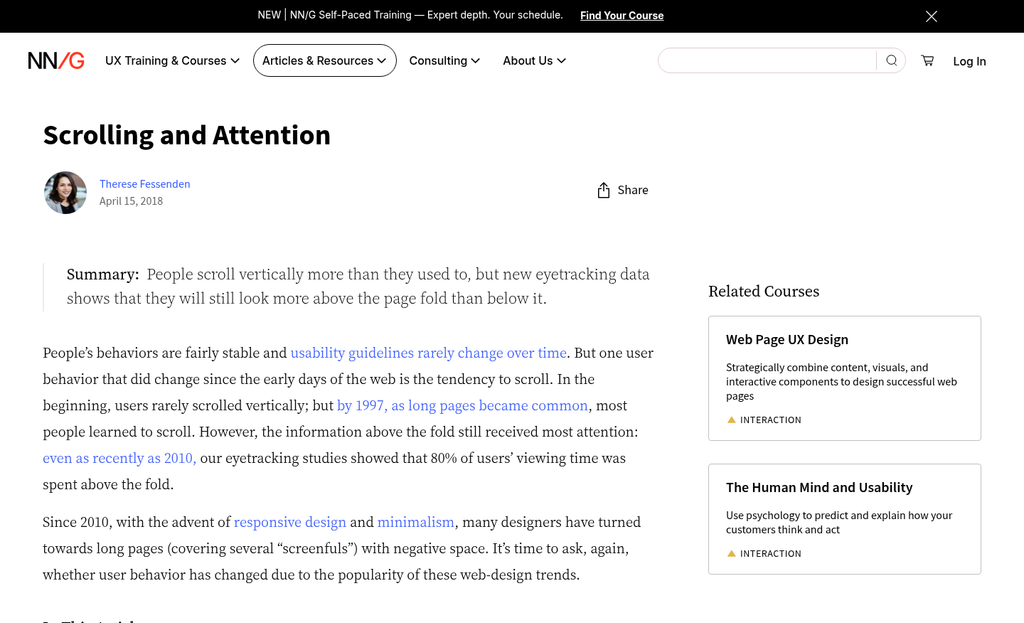
The fix is to set up custom scroll depth events at 25%, 50% and 75% thresholds - this gives you a layered view of how far readers actually travel down a page before they leave. You can see if readers make it past the introduction, if they reach your main points, and roughly where the drop-off begins. If you're also trying to understand what happens when readers reach a gated content section, scroll depth data becomes even more important.
The difference between the two setups is not subtle. Let's talk about what the data picture looks like with each strategy:
| Tracking Setup | Data Points Available | What You Can See |
|---|---|---|
| GA4 Default (90% only) | 1 threshold | Whether users nearly finished the page |
| Custom Events (25/50/75/90%) | 4 thresholds | Where readers drop off across the full page |
Many site owners spend time trying to interpret their scroll data without realising it has been incomplete the whole time. They draw conclusions from a single data point that only captures a fraction of their audience's behavior. Pairing scroll depth insights with what we know about CTA placement psychology can help you act on what you find.
Custom scroll events do take a little setup in GA4, either through Google Tag Manager or directly in the platform. But once they're running, you finally have enough data to ask the right questions about why readers leave when they do.
Common Content Problems That Low Scroll Depth Is Flagging
Low scroll depth is a symptom, not a choice. The work is figuring out where users are leaving and what that location tells you about the content itself.
If most users drop off in the first 25%, the opening isn't doing its job. A weak introduction - one that restates the headline without adding anything new - gives readers no reason to continue. Your first few sentences need to make a case for why the rest of the page is worth their time.
Drop-off around the 50% mark is a different signal - where walls of text do the most damage. When paragraphs run long with no visual breaks, readers start to feel the effort outweighs the payoff. The content may be fine. But it looks hard to get through.
Then there's the mismatch problem. If your headline makes a promise and the body takes too long to deliver on it, readers leave before they get there - one of the most common patterns on informational pages, and scroll data makes it visible in a way that pageview counts never could.
Mobile load speed is worth checking too. A page that loads slowly on a phone creates friction before a single word is read, and that friction shows up in scroll depth as early abandonment that has nothing to do with content quality. Tools that identify anonymous visitors who bounce early can help you understand whether this pattern is concentrated in a particular audience segment.
The table below is a quick reference for the patterns most likely to push scroll depth down.
| Pattern | Where it tends to show up |
|---|---|
| Weak or repetitive opening | Drop-off in the first 25% |
| Long unbroken paragraphs | Drop-off around 40-60% |
| Headline doesn't match the content | Early exit, often before 30% |
| Slow mobile load time | Abandonment before scrolling begins |
| No visual anchors or subheadings | Gradual drop throughout the page |
The location of the drop is the clue. A page that loses everyone at the same point has a structural problem at that point - it's actually a helpful thing to know. If those early exits are costing you leads, exit-intent technology can recover some of that lost attention before visitors leave entirely.
Practical Ways to Improve Scroll Depth Without Rewriting Everything
The good news is that you don't need to scrap your content and start over. A few targeted changes to structure and presentation can make a difference to how far readers get through a page.
Start with your opening paragraph. If it doesn't tell the reader what they're going to get from the post within the first two or three sentences, they will leave before they've even started. Front-load the value - state the point early and let the rest follow.
Subheadings do more than organise content. They give readers a visual path through the page, and that matters because readers like to scan before they commit to reading. A well-placed subheading partway down the page can pull an uncertain reader further in.
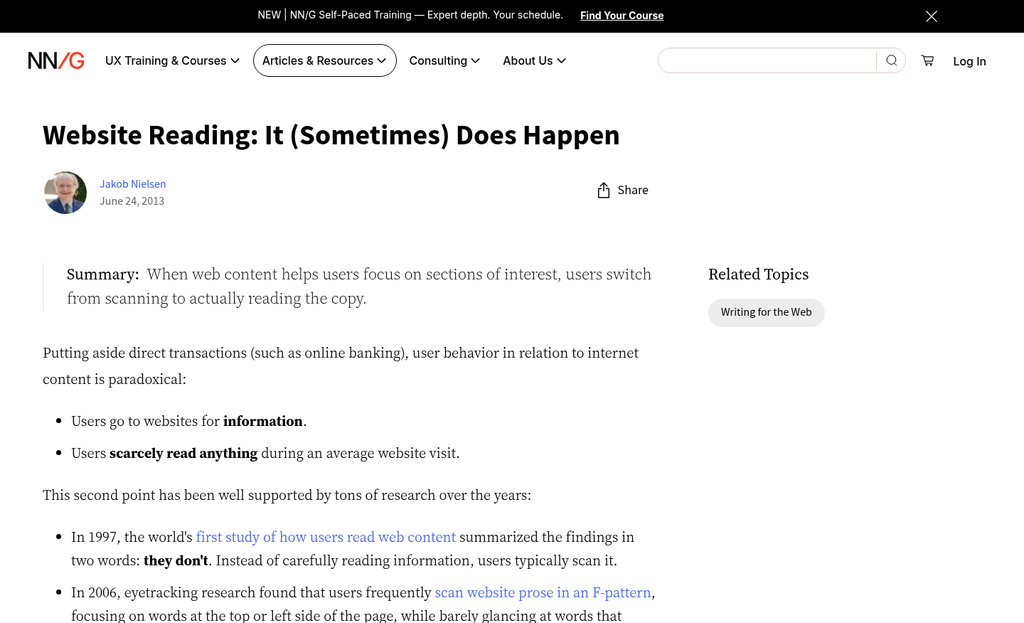
Long unbroken sections of text are one of the fastest ways to lose readers. Break those up with images, pull quotes, or short callouts - not for visual relief alone, but to reset the reader's attention and give them a reason to keep going.
If your scroll depth is sitting below 40%, that's a signal to act on sooner rather than later. AgencyAnalytics flags this as a threshold worth mentioning, and it usually points to something fixable in the first half of the page rather than a problem with the whole piece.
The table below matches some of the most common scroll-depth problems to the fixes most likely to help.
| Content Problem | What to Do | Why It Helps Scroll Depth |
|---|---|---|
| Slow or vague opening paragraph | Rewrite the first two sentences to state the payoff clearly | Gives readers a reason to stay past the first screen |
| No subheadings or very few | Add descriptive subheadings every 200 to 300 words | Creates visual momentum and breaks up the scroll journey |
| Dense, unbroken text blocks | Insert images, callouts, or short lists to add visual breaks | Resets attention and reduces the sense of a long read |
| Key information buried near the bottom | Move the most useful content to the top third of the page | Rewards early scrollers and builds trust to continue |
| Sections that feel like filler | Cut or condense anything that doesn't add to the main point | Keeps the pace tight so readers don't lose interest mid-page |
None of these changes take long to test. Pick the page with the worst scroll data and try one or two adjustments, then check back in a few weeks to see how the numbers respond.
Your Scroll Data Is Speaking - Here's How to Listen
Take one thing from this and make it action: pull the scroll data on just one of your highest-traffic pages this week. Look at where readers are dropping off and ask yourself if the content at that point is earning their attention. You're not chasing 100% scroll depth across the board - it's not a realistic or meaningful goal. What you're after is alignment between what your content is about and what it delivers and scroll depth will tell you pretty quickly where that alignment breaks down.
Good content earns the scroll. The readers who matter will go the distance when the writing gives them a reason to. The data is there so you can find the gaps, close them and build better - one page at a time.
FAQs
What is scroll depth and why does it matter?
Scroll depth measures how far down a page visitors travel before leaving. It's more reliable than pageviews or time-on-page because it directly signals intentional reading behavior, helping you understand whether your content actually holds attention.
What scroll depth should I expect for blog posts?
Blog posts typically see scroll depths between 60-80%. If your posts fall well below this range, the content may not be delivering on the headline's promise, causing readers to leave early.
Why is GA4's default scroll tracking insufficient?
GA4 only fires a scroll event at 90% depth by default, meaning most readers - who average around 53-57% depth - generate no scroll data at all. Setting up custom events at 25%, 50%, and 75% gives a much clearer picture.
What does early drop-off in the first 25% indicate?
Early drop-off usually signals a weak opening paragraph that fails to give readers a reason to continue. Your first few sentences should clearly communicate what value the rest of the page delivers.
How can I improve scroll depth without rewriting content?
Simple structural fixes work well: rewrite your opening to front-load value, add descriptive subheadings every 200-300 words, and break up dense text with images or callouts to maintain reader attention throughout the page.